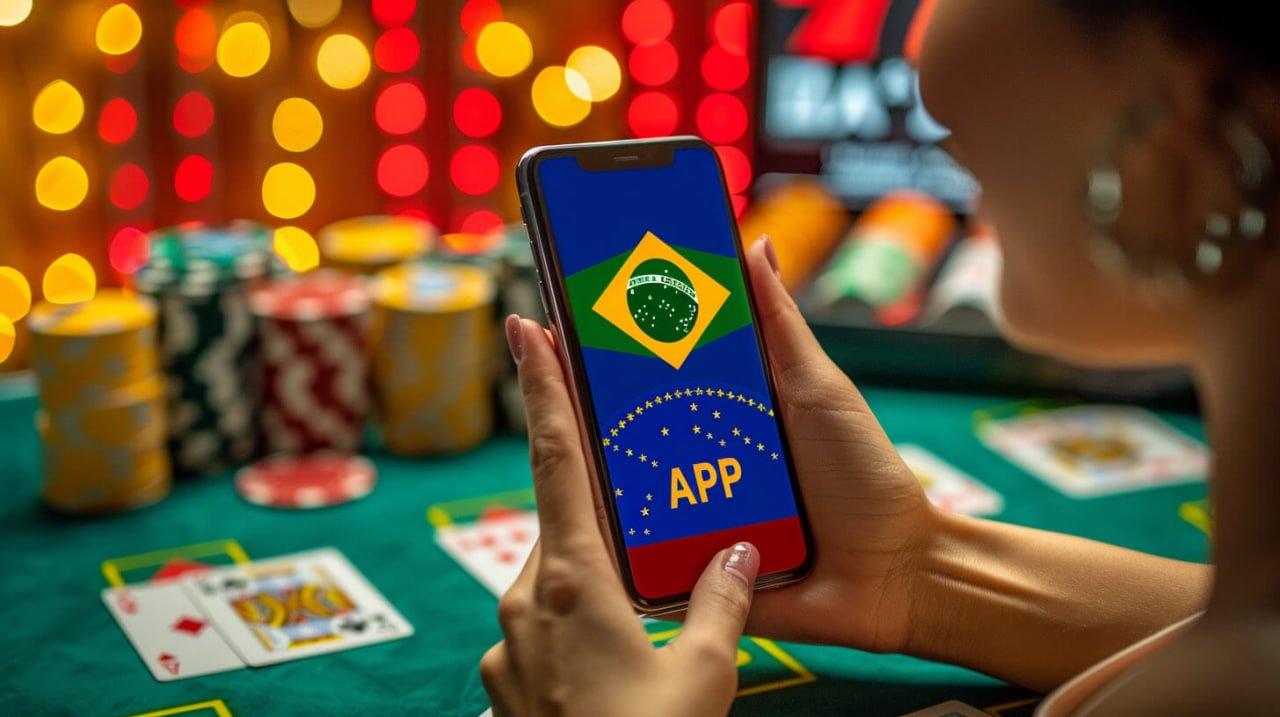
App Available Now

17wim App for Android and iOS – Take the Casino in Your Pocket and Play Anywhere, Anytime

The app of 17wim brings slots, fish games, live casino, and sports betting right to your phone screen. Optimized interface, fast loading, and all platform features accessible with a single tap.

Android 5.0+ iOS 12.0+ Free download Secure connection
17wim
500+ In-app games
2 Supported platforms
24h Always available
R$1 Minimum bet
Why use the app

The Main Advantages of the 17wim App

The app is not just a smaller version of the platform — it was built to perform better on mobile

Faster loading

The 17wim app loads games faster than the browser because the core resources are stored locally on the device. Even on a 4G connection, the difference is noticeable.

Real-time notifications

Receive alerts about promotions, prize tournaments, free spins exclusive to app users, and sports results updates directly on your phone's lock screen.

Biometric login

Sign in to your account with fingerprint or facial recognition, without typing your password every time. Access is secure, convenient, and takes less than a second to unlock the app.

Mobile-optimized interface

The app layout was designed specifically for mobile screens — it is not the website compressed into a smaller window. Intuitive menus, large cards, and gesture-based navigation make everything smoother.

Integrated Pix in the app

Make deposits and withdrawals via Pix without leaving the app. The integration is direct: you generate the QR code or copy the Pix code and complete the transaction in seconds, all within the 17wim app itself.

Automatic dark mode

The app follows your phone's settings and automatically activates dark mode at night, reducing eye strain during longer sessions without any manual adjustment needed.

Installation guide

How to Download and Install the 17wim App

Simple process, takes less than three minutes from start to finish

1
Access the site through your mobile browser

Open Chrome or any browser on your Android and visit the 17wim website. In the navigation menu, tap "App" to go to the download page.

2
Allow unknown sources

Since the app is distributed outside the Google Play Store by default, you will need to go to Settings → Security → Unknown sources and enable the permission for your browser. This step is done only once.

3
Download the APK file

Tap the Android app download button on the page. The APK file will be automatically downloaded to your device's downloads folder.

4
Install and log in

Open the downloaded APK file, confirm the installation, and wait. Then open the 17wim app, log in with your account or register for free, and start playing.

1
Open Safari on your iPhone

Safari is required for the installation process on iOS. Access the 17wim website via Safari and navigate to the App page.

2
Tap "Add to Home Screen"

On the app page, tap the Safari share icon (square with an upward arrow) and select "Add to Home Screen". This installs the app as a PWA on your iPhone.

3
Confirm the name and finish

A screen will ask you to confirm the icon name that will appear on your home screen. Keep "17wim" and tap "Add" in the upper right corner.

4
Open from the icon on your home screen

The 17wim icon will appear on your iPhone's home screen like any other app. Tap it to open in full-screen mode, without an address bar, exactly like a native application.

Compatibility

Android or iOS — 17wim Works on Both

Minimum requirements and details for each version of the app

Android

Direct APK installation — no app store required. Compatible with the vast majority of Android smartphones available in Brazil.

  • Android 5.0 (Lollipop) or higher
  • Free space: approximately 45 MB
  • Recommended RAM: 2 GB or more
  • Connection: 4G, 5G, or Wi-Fi
  • Unknown sources permission: required
Download for Android

IOS

Installation via Safari as a Progressive Web App — native app experience directly on your iPhone or iPad, without taking up heavy download space.

  • iOS 12.0 or higher
  • Compatible with iPhone and iPad
  • Installation via Safari required
  • Free space: approximately 15 MB
  • Connection: 4G, 5G, or Wi-Fi
Install on iPhone
App vs browser

Why the 17wim App Is Better Than Playing via Browser

Many players access betting platforms through their mobile browser and never install the app because they assume the experience is the same. In practice, there are meaningful differences that make the app of 17wim stand out — especially for those who play frequently.

The most notable difference is performance. When you open the app, some resources are already loaded locally on the device, so the home screen appears almost instantly. In the browser, each visit needs to download page elements again, which adds latency — especially on less stable mobile networks. For live games and real-time sports betting, that millisecond difference can matter.

Another advantage is the distraction-free experience. In the app, there is no address bar, browser tabs, system pop-ups, or notifications from other sites competing for your attention. The entire screen is dedicated to the 17wim, which makes sessions more immersive — especially in fish games or live casino, where focus makes all the difference.

There is also the matter of push notifications. Through the browser, you only find out about a new promotion if you open the site manually or receive an email. Through the app, you get a notification directly on your lock screen as soon as a relevant offer is activated — free spins on a game you marked as a favorite, for example, or a cash-prize tournament starting soon.

Feature Browser 17wim App
Loading speed Standard Faster
Push notifications
Biometric login
Full-screen mode Limited
Live odds without freezing Variable
Integrated Pix without redirecting Redirect
Automatic dark mode
17wim
Mobile catalog

All 17wim Games Available in the App

No category is left out — the app has everything the platform offers

Slots

More than 300 titles from providers like PG Soft, Pragmatic Play, and Hacksaw Gaming. Varied mechanics, progressive jackpots, and verified RTPs, all optimized for touchscreen play.

Fish Games

Fish games from JILI and other providers work great in the app — touch controls replace the mouse naturally, and the multiplayer experience becomes even more dynamic.

Live Casino

Roulette, blackjack, baccarat, and game show tables with real dealers in HD streaming. The app automatically adjusts video quality to match your connection speed.

Sports Betting

Brazilian football, NBA, tennis, e-sports, and much more. Bet before the game or live with odds updating in real time — without the common freezing issues found in mobile browsers.

17wim
Security and privacy

Is the 17wim App Safe? See What Protects Your Data

Security is a legitimate concern when it comes to installing any betting app. The app of 17wim uses SSL/TLS encryption on all communications between the app and servers — the same standard used by digital banks and fintechs in Brazil. This means your login credentials, payment information, and transaction history are always transmitted encrypted.

The app's biometric login — available for Android and iOS — adds an extra layer of protection: even if someone has physical access to your unlocked phone, they will not be able to access your account without your fingerprint or face. Biometric authentication does not replace the password stored on the servers; it only grants local access to the app.

In terms of privacy, the 17wim does not share user behavior data with third parties for advertising purposes. The information collected by the app is used exclusively to improve the platform experience and comply with identity verification (KYC) requirements for financial transactions. You can review the full policy on the Privacy Policy.

SSL/TLS encryption: All connections between the app and the servers are protected by end-to-end encryption.

Biometric authentication: Fingerprint and Face ID available for login without exposing your password.

KYC Verification: Identity verification process to protect your financial transactions.

No ad tracking: Your usage data is not shared with third-party advertising networks.

Frequently Asked Questions

Questions about the 17wim App

Yes, downloading and installing the 17wim app is completely free for both Android and iOS. You pay nothing to install the app — what involves money are the bets and deposits you make within the platform, and those amounts are the same as on the website, with no extra fees for using the app.

You use the same account. If you already have a registration on 17wim, just log in to the app with the same email and password. Your balance, favorites, betting history, and active bonuses appear automatically. If you don't have an account yet, you can register directly through the app — the process is the same as on the website.

Android requires this permission to install apps that do not come from the Google Play Store. This is standard for betting platform apps, which are generally not distributed through official stores due to those platforms' policies. The permission is granted specifically to the browser you used to download the APK, not to all apps. After installing 17wim, you can disable the permission if you prefer.

It depends on the type of game. Slots and fish games consume relatively little data — a one-hour session on a standard 4G connection uses around 50 to 100 MB. Live casino games with video streaming consume more, potentially reaching 300 MB per hour at standard quality. The 17wim app has a video quality setting you can adjust to reduce data usage on mobile networks.

17wim's main promotions apply to all channels — website and app. Occasionally, the app may feature exclusive offers for mobile users, such as free spins for recent downloads or bonuses tied to push notifications. To stay up to date on all available offers, check the Promotions or enable notifications in the app.

On Android, the app notifies you when an update is available upon opening. You can download the new APK directly via the link in the notification or by visiting the App page on the 17wim website again. On iOS, PWA updates are applied automatically the next time you open the app with an internet connection — no action required on your part.

Yes. The 17wim app has the full financial section, including Pix withdrawal requests. Access the Withdrawal section in the menu, enter your Pix key registered to your CPF, input the desired amount, and confirm. Processing follows the same timelines as the web platform. For more details on timelines and limits, see the Withdrawal.
Get Started

Download the 17wim App and Play Anywhere

Register for free, deposit via Pix, and access over 500 games directly on your phone — slots, fish games, live casino, and sports betting on the 17wim app.

Free download Android and iOS Integrated Pix 24/7 Support in PT
Português (Brasil)